Steal A Brainrot Egg Controls
Move, interact, steal, and knock back on desktop, tablet, and mobile.
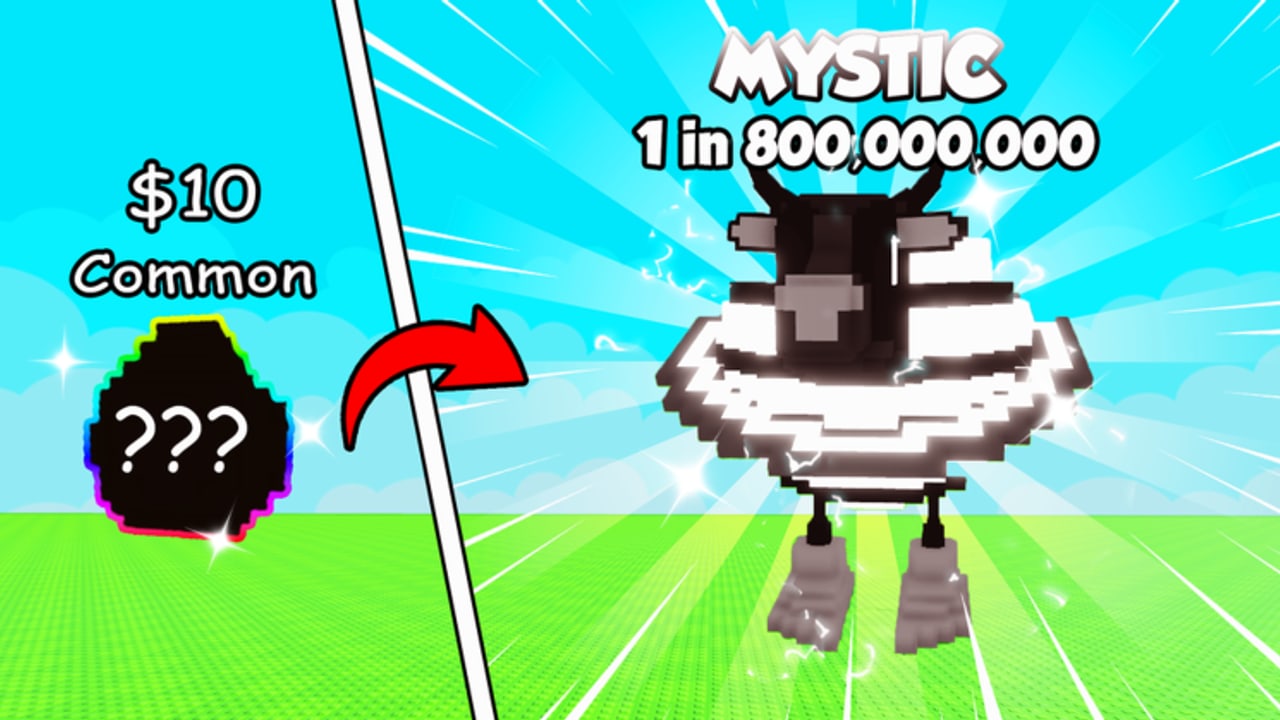
Steal A Brainrot Egg plays like a Roblox tycoon with a PvP crate in the middle of the yard. You move, you interact with eggs and stands, you steal, and you knock people off the hatch. This page lists those actions without inventing keybinds this wiki has not verified. If the client shows a prompt, that prompt is the bind. If it does not, do not guess a secret key from a different steal game.
The experience is free on desktop, mobile, and tablet, with eight-player servers. Input changes. The crate rule does not. Eggs remain stealable during the hatch, including inside a base. Hatched Brainrots remain safe forever.
Movement
On desktop, typical Roblox movement applies: WASD to walk, jump to clear the fence lip, sprint to cross the lime grass between plots. On mobile and tablet, use the on-screen thumb stick and jump button. Sprint exists so you arrive before a timer pops, not so you look busy while the egg leaves.
If a plot is already claimed, keep moving to a free fence. Getting started covers claiming the yard. This page only cares that you can reach the crate without walking off a ledge because the camera was aimed at a giant mascot.
Interact, place, and steal
Interact is how you claim, buy, place, and steal. Use the on-screen prompt. Placing an egg on your crate starts the hatch. Using the steal prompt on someone else’s crate during their timer takes the egg. Those two actions feel similar because they are the same object: an unhatched egg on a stand.
Do not mash attack when you meant to steal. Knockback peels a body off the crate; it does not pick up the egg. If you arrive on a live hatch and only punch, a third player with the steal prompt up will leave with the loot. How to steal is the full raid. How to hatch is the place-and-sit version on your own stand.
There is no extra bind for “lock the egg.” The lock is the timer finishing. Until then, interact and steal remain legal for everyone on the server.
Attack and knockback
Official thumbnails show a purple knockback hand batting players off a hatching egg. When the attack or knockback prompt is available, that is your peel. Use it on the crate, then return to interact or steal. Chasing a launched player across the grass is how the egg gets taken behind you.
Defense uses the same control. How to protect is stand-the-crate plus knockback, not a unique shield button. If you cannot find attack, look at the on-screen prompts rather than a wiki table of unverified keys. Roblox shift-lock, jump, and camera drag still work the way they do in other experiences; Steal A Brainrot Egg does not replace them with a custom fighting game.
Mobile versus desktop
Desktop has the easier camera. Mouse drag keeps the crate centered while WASD strafes around the stand. Mobile has to split thumbs: one on movement, one on jump, steal, or attack. That split is why phone players lose Mystics they would have held on a keyboard. If you are on a phone, simplify. Do not open the Brainrot Index mid-hatch. Do not pinch-zoom the giant Brainrot. Keep the crate large in the frame.
Tablet sits in between: more screen than a phone, still touch latency. All three platforms share the same eight-player instances, so a mobile owner can be dived by a desktop raider.
Camera during a hatch fight
Point at the crate. The stealable object is the voxel egg on the wooden stand, usually at waist height, with a pixel face that is easy to lose behind a huge mascot. Tilt down. Strafe, do not orbit, when two people occupy the stand. Orbiting is how you lose the prompt and punch the fence.
If the screen is a pile of characters, the egg is still on the crate until it is not. Watch the stand, not the name tags. After the pop, stop fighting the mascot. It is safe. Move the camera to the next live egg or back to your shop. Rebirth is a menu decision, not a camera one — do not open it while a timer is running.
What this wiki will not invent
No unverified F-key, no secret mobile gesture, no controller map copied from another title. Use Roblox’s own settings for shift-lock, camera sensitivity, and jump. If Sathopian adds a unique bind, it will show as a prompt and land in launch notes or the updates hub once it can be checked.
Codes do not change controls, and as of September 2026 there is no confirmed redeem UI anyway. Scripts that promise auto-steal are optional community tools, not default binds, and they are not required to play. The hatch planner and tier list hub are reading tools. Official links live on the links hub. For egg odds after you can actually press the prompts, see the egg tier list and Brainrot rankings.
On mobile, keep a thumb on movement and the other on the prompt that actually steals. Looking at the egg is not interacting with it, and a beautiful camera pan is how eight-player swarms leave with your hatch.
Frequently Asked Questions
Quick answers to the most common Steal A Brainrot Egg questions.
What are the movement keys on desktop?
Typical Roblox movement: WASD, jump, and sprint. This wiki does not invent extra binds. If a prompt appears for a different action, use that prompt.
How do I place or steal an egg?
Walk to the crate and use the on-screen interact or steal prompt. Placing starts your hatch. Stealing takes a live egg from someone else's stand. Details are on how to hatch and how to steal.
How do I knock someone off my crate?
Use the on-screen attack or knockback prompt while they occupy the stand, then stay on the egg. Chasing them is how a third player steals. See how to protect.
Does mobile use the same actions as desktop?
Yes. Movement, interact, steal, and knockback are the same actions with on-screen buttons instead of WASD. The hard part is keeping the crate on screen with two thumbs.
Where should the camera look during a hatch?
At the crate and the egg, not at locked Brainrots behind it. Those units cannot be stolen. Tilt down so the stand stays in the center of the frame.